Choose Your Vision.
Choose the perfect plan to bring your vision to life. We offer solutions for both portfolios and e-commerce.
Requesting a package and proceeding to checkout does not constitute a purchase. It serves as a formal expression of interest to get in touch with one of our developers to proceed with the project of your choice.

- Simple & clean design
- Contact information display
- Mobile responsive
- Free Lifetime Maintenance
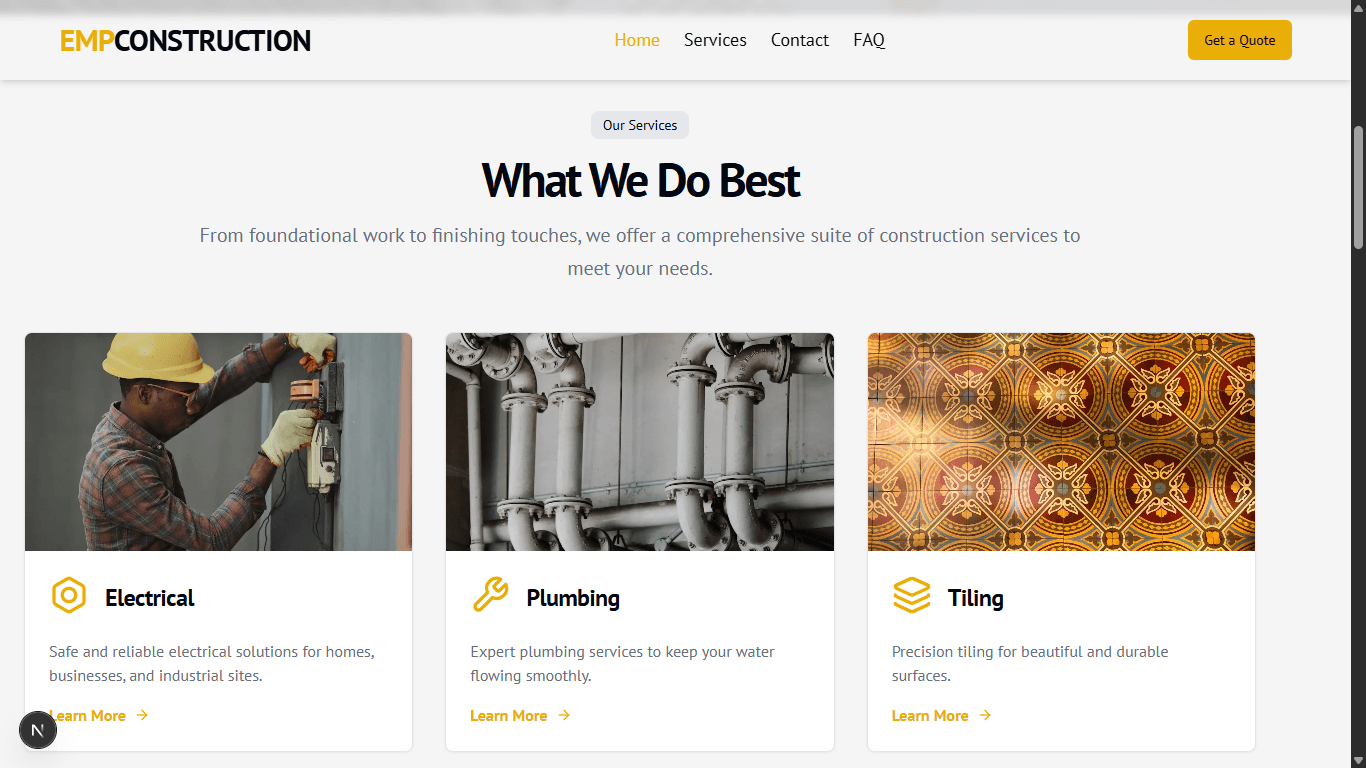
- Engaging transitions & animations
- Photo gallery to showcase your work
- Email booking form for clients
- Free Lifetime Maintenance

- Everything in Professional, plus:
- Private Admin Dashboard
- Image upload support for clients
- Free Lifetime Maintenance
Initial Setup Guide
The estimated R95 for initial setup covers basic starting costs like your domain reservation, which are required for us to begin development. Follow these steps to get your project ready.
Step 1: Create a new Google Account
"Keep in mind this new Google account will be used for Firebase (back end), Google Cloud and other platforms for the web application. Make sure to store it safely and never to forget the password nor the email."
Step 2: Share Credentials & Open Google Cloud Account
Share the credentials with me (the Google account email and password) for me to have access to Firebase and Google Cloud.
"Keep in mind creating a new Google account, prevents us from interfering with your personal emails and strictly leaves us with one mission to create the web / web application seamlessly for you."
Next, go to cloud.google.com using the new Google account in Chrome.
Click "Get started for free" to get free credits for three months. Select your region, agree to the terms, add your contact and payment information.
"Don't worry about the costs of Google Cloud after the three months free trial. For a portfolio or e-commerce website, you can pay a maximum of R10 to R50 per month depending on your traffic. Steps to check your monthly bill will be provided."
Step 3: Purchase a Domain from GoDaddy
Go to godaddy.com and search for your desired domain name (e.g., "checking.co.za").
If it's available, add it to your cart. We also recommend adding "Professional Email" for a professional email address.
A domain and professional email can cost as little as R95 per year. Prices may vary based on the domain extension and protection options.
Step 4: Share GoDaddy Login Details
Share the login details with me to have access to host your website to go live.
"Overall all the log in details should be shared with me (your developer) to get everything up and running and everything should be using the new Google account (email and password)."
Saxumsoftware.com | Let's elevate your online presence